 RafaSC
Water
How to build a stylized river and waterfall with splines in UE5
The easiest way to make a river in Unreal Engine 5 is a spline: you draw the riverbed with spline points and a Blueprint lays mesh segments along it with a flowing water material. The same idea pointed downwards gives you a waterfall with foam at the base.
By RafaSC, 3D and technical artist · Updated · 4 min read
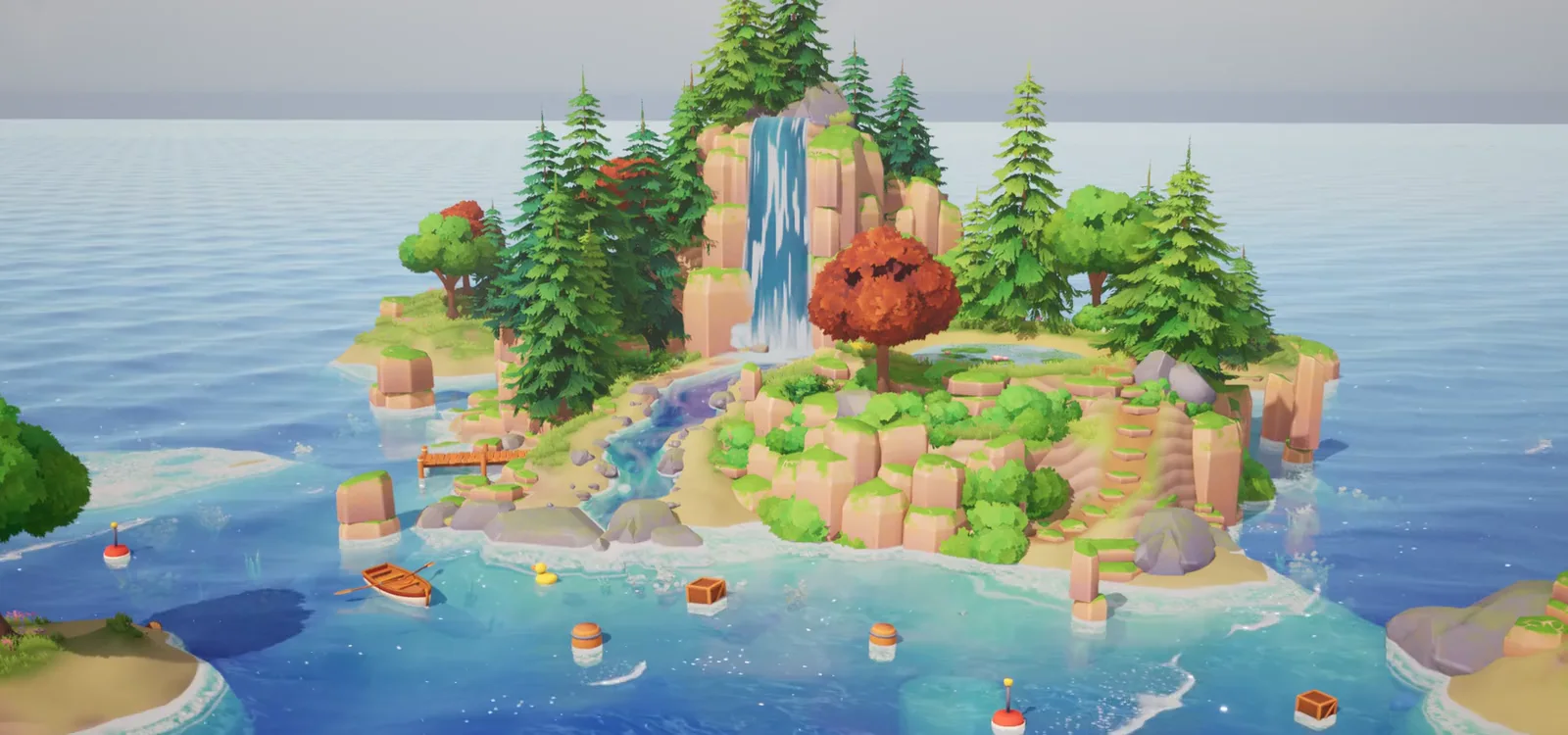
Why a spline
A river is a path, and a path is exactly what a spline describes. Each stretch between two points becomes a piece of mesh that bends to follow the curve. You can reshape the river by dragging points instead of rebuilding geometry, and the water material only has to know one thing: which way is downstream.
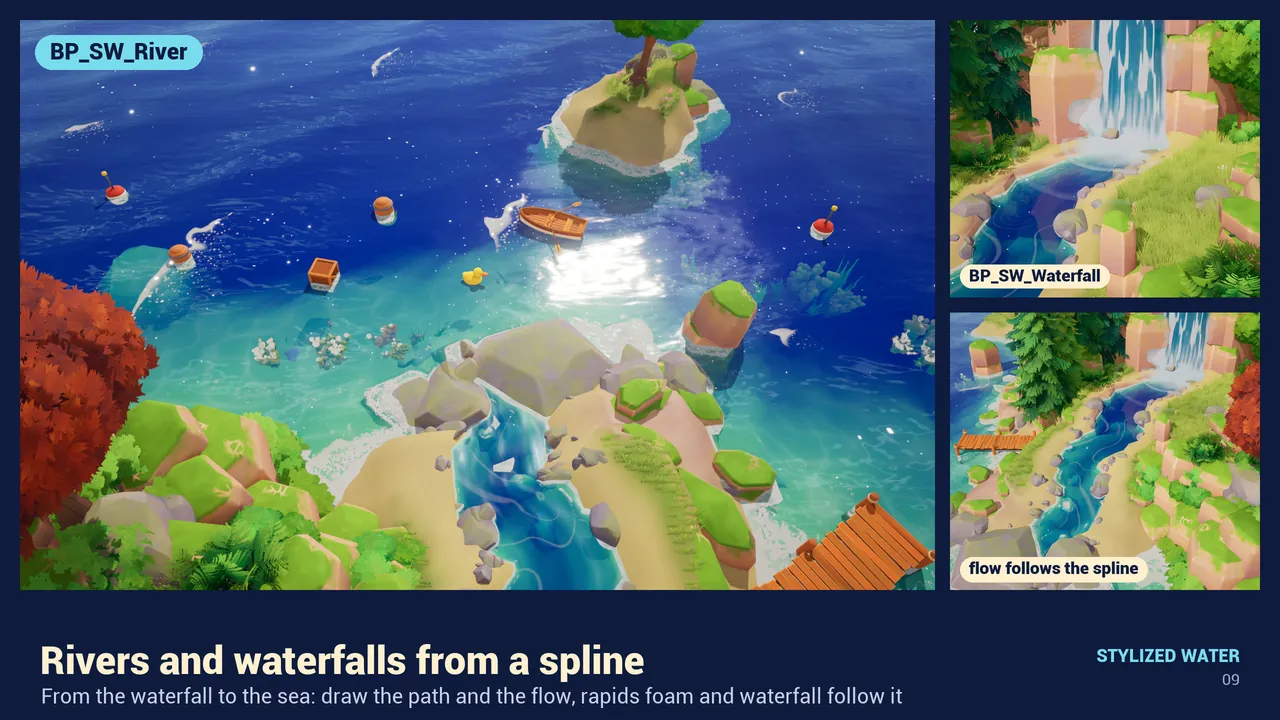
Draw the river
With Stylized Water Material the Blueprint is Blueprints/BP_SW_River.
- Drag BP_SW_River into the level. Select it and its spline appears.
- Move the spline points to draw the riverbed. To add a point, hold Alt and drag an existing one. The river mesh follows the spline.
- In the Details panel set the shape.
| Setting | What it does |
|---|---|
| RiverWidth | Width of the river |
| SegmentLength | Length of each mesh piece along the spline |
| RiverMaterial | The water material. The default is MI_SW_05_River |
| SegmentMesh | The mesh that is repeated along the spline |
Keep the flow continuous
The usual problem with segmented rivers is a visible seam where one piece ends and the next begins, because the flow restarts. In this Blueprint the flow does not break between segments. To make the water faster or slower, change FlowSpeed in group 14, River Flow, of the material.
Add the waterfall
- Drag
Blueprints/BP_SW_Waterfallinto the level. - Shape its spline from the lip at the top to the base.
- Set Width and EndWidth, so it opens as it falls, and SegmentLength.
- ShowSplash adds foam and mist at the impact. ShowRipple adds rings on the water below: turn it off if the base does not land in water.
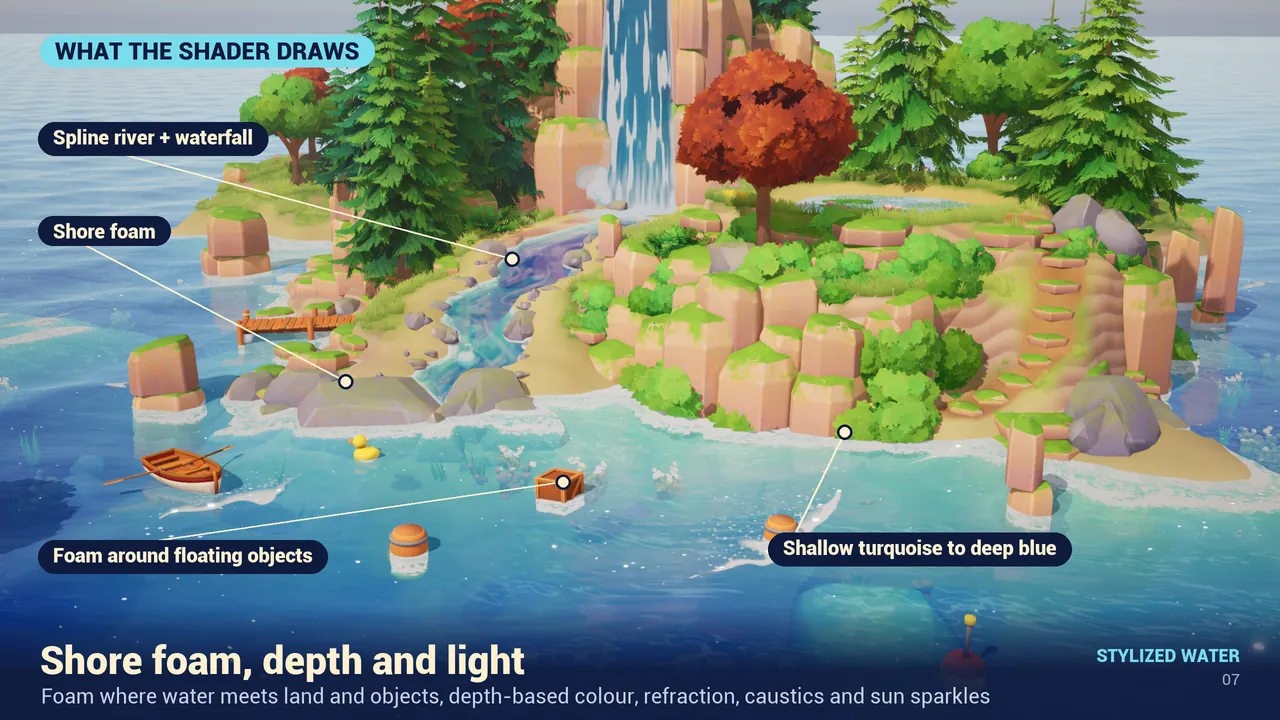
Things to know
- If you delete the demo folder to slim down the project, keep
Demo/Meshes/SM_SW_RiverSegment. The river Blueprint uses it. - The River preset is one of six. The sea around the river mouth can use Ocean or Tropical; the look is described in how to make stylized water in UE5.
- Tested on Unreal Engine 5.8. Other engine versions were not tested.
- Things floating down or sitting in the river: see floating objects without physics.
Frequently asked questions
How do I add a point to a spline river in Unreal Engine 5?
Select the Blueprint so the spline appears, then hold Alt and drag an existing point to add a new one.
How do I change the speed of the river?
Change FlowSpeed in group 14, River Flow, of the river material.
Why are there rings where my waterfall lands on the ground?
ShowRipple draws rings on the water below. Turn it off if the base of the waterfall does not land in water.
Which Unreal Engine version do these Blueprints need?
They are part of Stylized Water Material, tested on Unreal Engine 5.8.
Related guides
Save this guide for later. Product used on this page: Stylized Water Material.