 RafaSC
Comparison
UE 5.8 built-in toon shader vs post-process toon: what each one does
Unreal Engine 5.8 added toon shading inside Substrate, and it stylizes one material at a time. A post-process toon shader restyles the whole finished frame without touching any material. They solve different problems: the first is for art you are building, the second is for a scene that already exists.
By RafaSC, 3D and technical artist · Updated · 6 min read
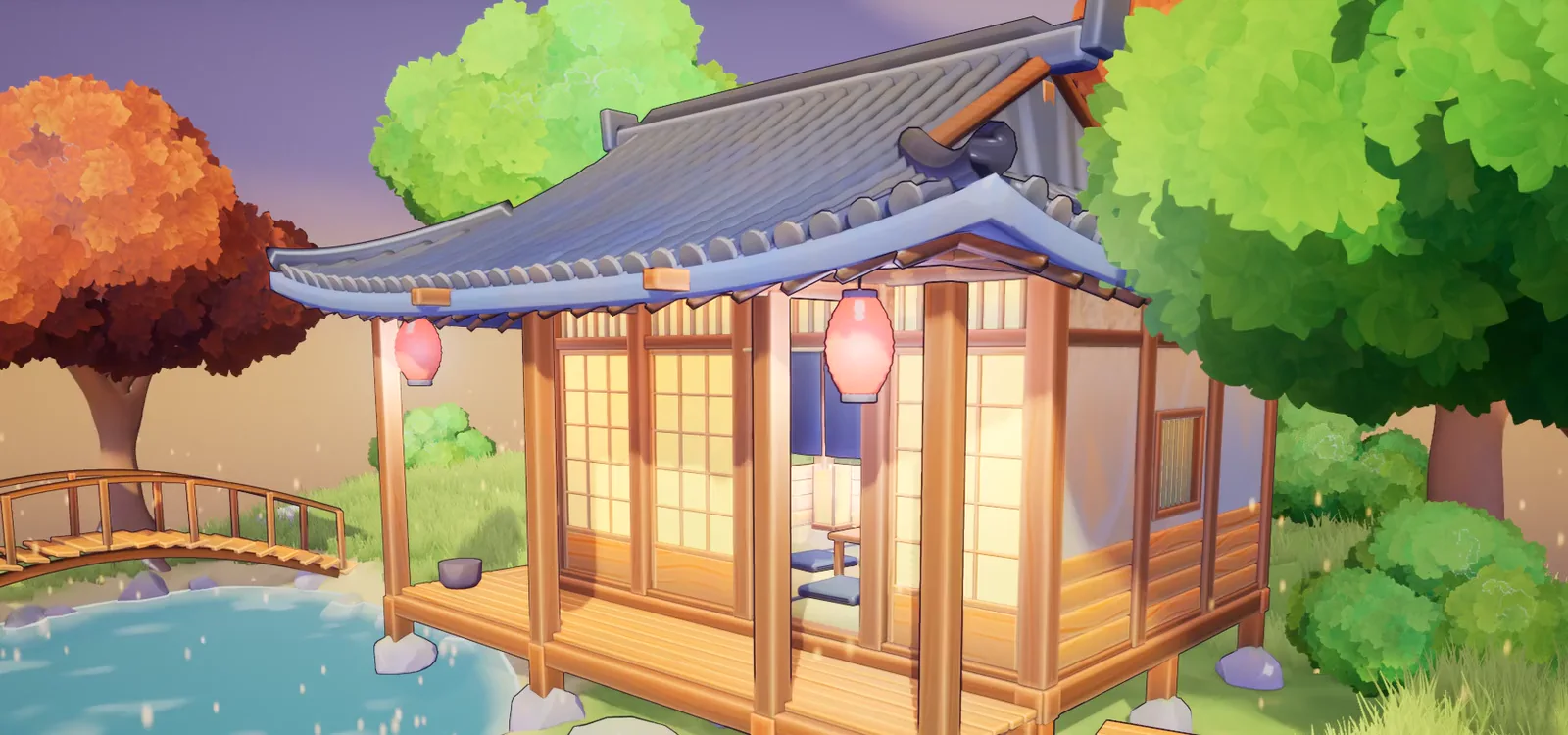
I sell a post-process toon pack, so read this as one side of the table. What I say about the built-in shader comes from Epic's release notes and the write-ups linked at the end, not from my own production tests. What I say about the post-process side is measured on my own pack.
The short version
| Built-in toon shading (Substrate, UE 5.8) | Post-process toon shader | |
|---|---|---|
| What it changes | One material at a time | The whole frame |
| Where it runs | In the material and the lighting | After the scene is rendered, reading the G-Buffer |
| Setup | You author or convert materials | One actor or one post-process material |
| Outlines | Not part of it: edge detection still lives in post | Usually included |
| Bought assets | Each material has to be changed | Work as they are |
| Renderer | Substrate | Deferred renderer |
| Price | Part of the engine | Depends on the pack |
What the built-in toon shader is
It is a way to shade a surface in flat bands as part of how that material answers to real lights. The banding follows actual light direction and shadowing per material, which is something a screen-space effect cannot do exactly. According to the StraySpark write-up, before 5.8 this kind of shading needed a custom shading model, which meant maintaining an engine fork.
It is also new. One write-up from July 2026 calls it a "version-one feature" and warns to expect rough edges with translucency, some light types and unusual Substrate stacks. And it only shades surfaces: for ink lines you still need a post-process edge pass or inverted-hull meshes.
What a post-process toon shader is
It never sees your materials. It reads the buffers of the finished frame (normals, depth, base colour) and redraws the light as flat tones, then adds lines where depth and normals change. That is why it can restyle a level full of assets you did not make.
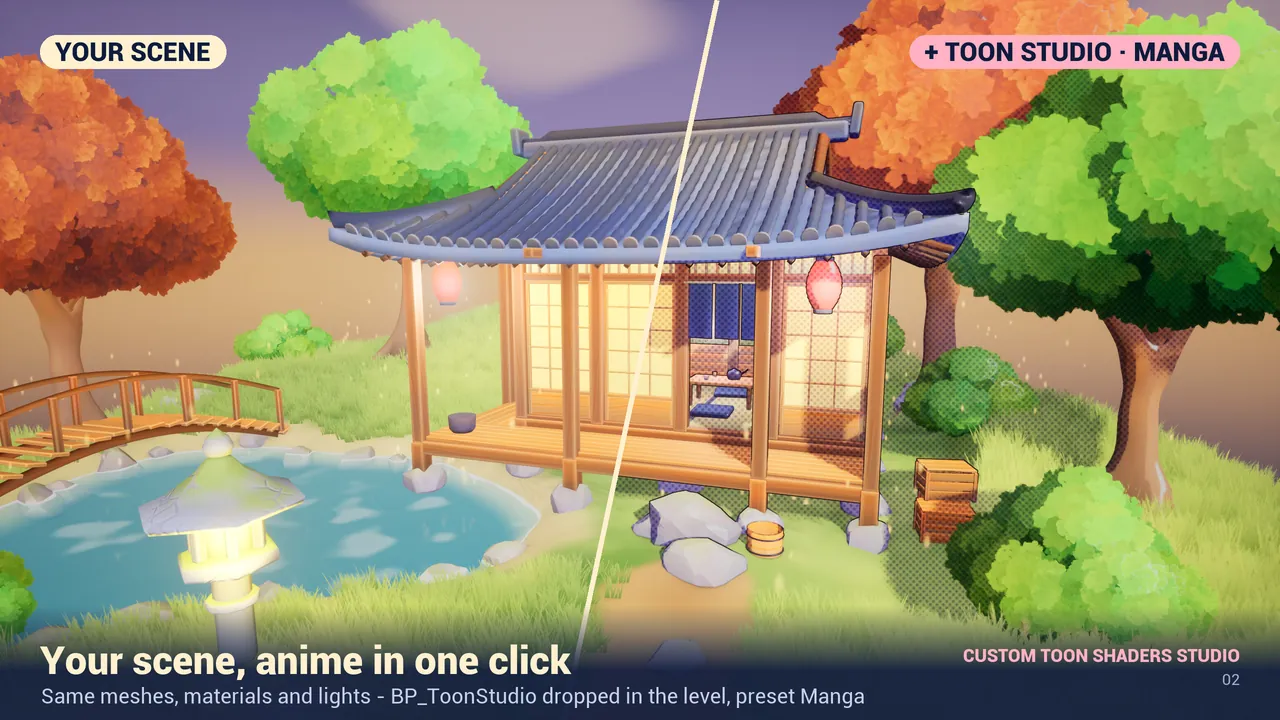
The price is that it is a screen-space effect. It needs the deferred renderer, because the Forward renderer does not expose the G-Buffer to post process. And on photoreal assets the change is subtler: it is made for stylized and low-poly scenes.
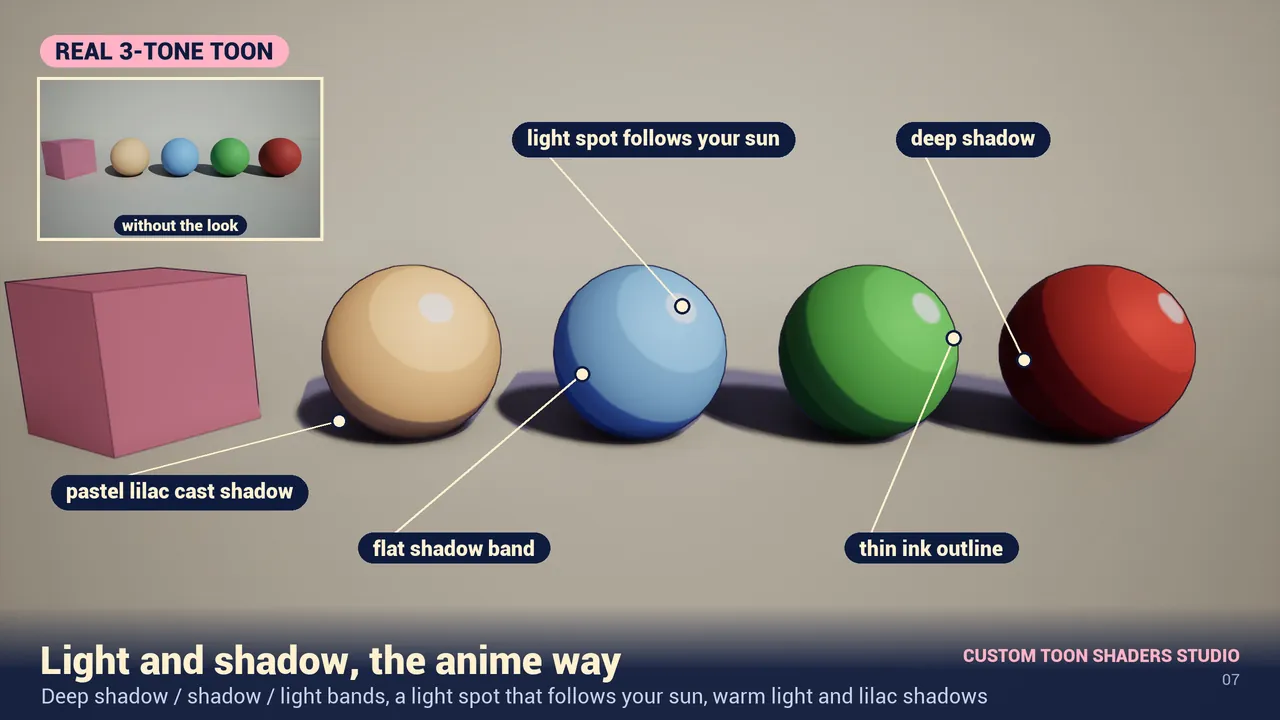
In my own pack the tone bands follow your Directional Light, lines and tones are computed before TSR/TAA so nothing flashes when the camera moves, and emissive and unlit materials are kept as they are.
When to use which
- You are authoring characters or hero props and want exact control of each surface: the built-in shader fits, because the look is part of the material.
- You have a level that already exists, with bought or mixed assets: a post process changes all of it at once.
- You want to switch style during the game (flashback, dream sequence, photo mode): a post process can blend between looks at runtime.
- You want outlines: you need a post-process pass either way.
- You target the Forward renderer: a G-Buffer post process cannot work there.
Can you use both?
In principle they do different jobs, and an outline-only post process draws a line over art it does not touch. I have not tested my pack on materials that use the built-in toon shading, so I will not promise a result. What the listing states: Custom Toon Shaders Studio works with Lumen, TSR, Nanite and Substrate on UE 5.8.
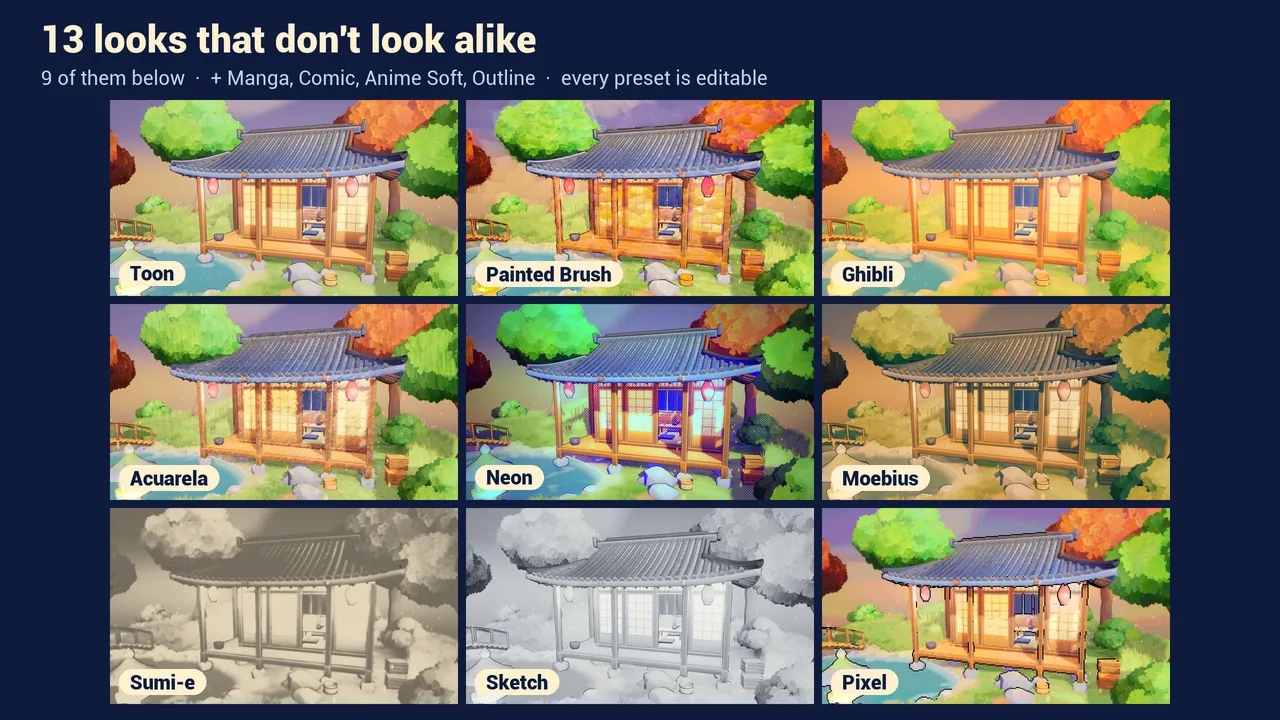
If you want to try the post-process side without paying, Toon Studio Lite is free and has three looks.
Sources
- Unreal Engine 5.8 release notes (Epic Games).
- Substrate toon shader in UE 5.8 (StraySpark, July 2026): per-material stylization, outlines still in post, version-one caveats.
- Unreal Engine 5.8 Substrate toon shader (Proj Prod).
Frequently asked questions
Does Unreal Engine 5.8 have a built-in toon shader?
Yes. UE 5.8 added toon shading inside Substrate. It works per material, as part of how that material responds to lights.
Does the built-in UE 5.8 toon shader draw outlines?
No. According to the write-ups available, it handles surface shading and edge detection still lives in post process, or you use inverted-hull meshes.
Which is better for a level made of bought assets?
A post-process toon shader, because it restyles the finished frame and does not need you to change each material.
Does Custom Toon Shaders Studio work with Substrate?
Yes. It works with Lumen, TSR, Nanite and Substrate on Unreal Engine 5.8. It has not been tested on materials that use the built-in toon shading.
Related guides
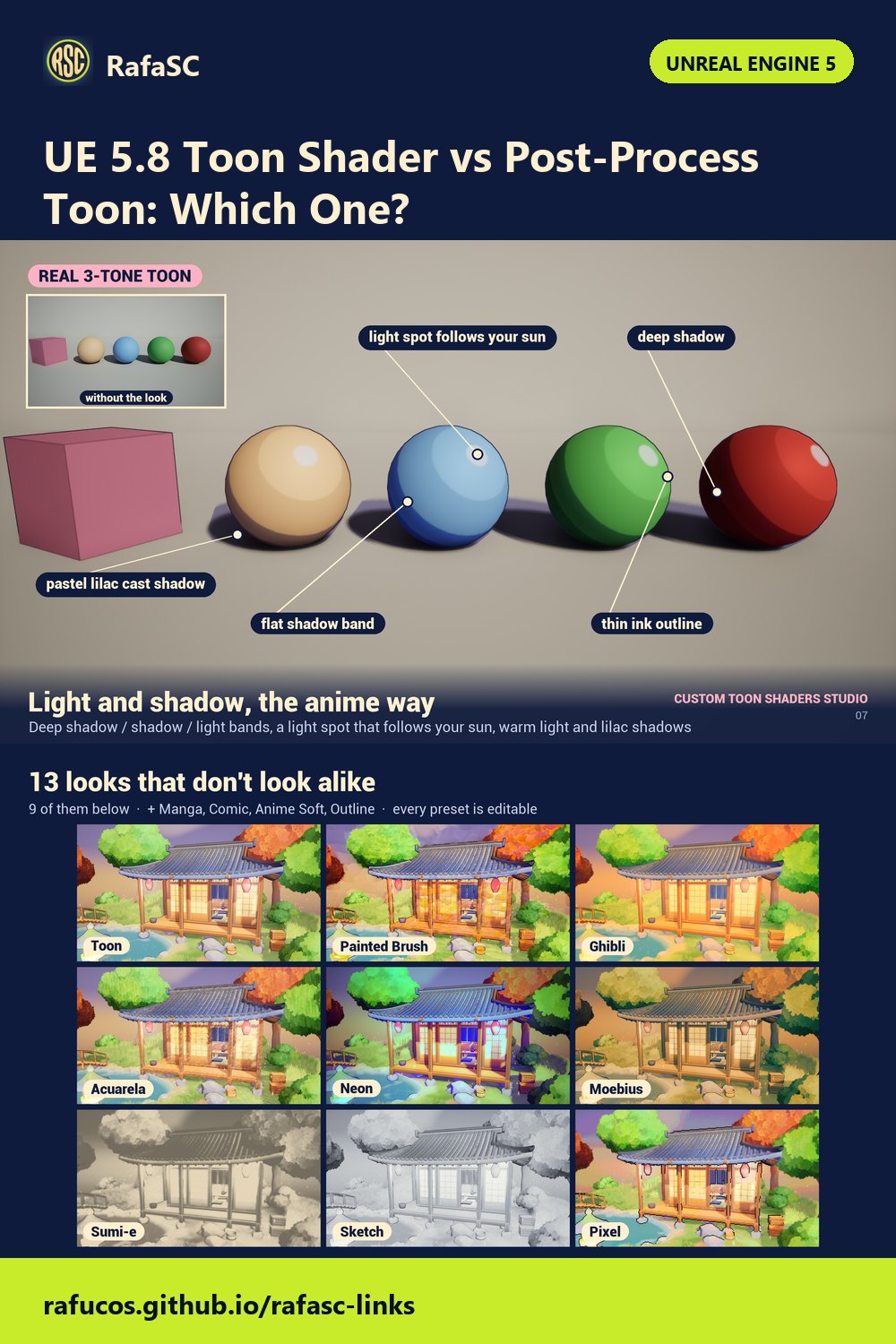
Save this guide for later. Product used on this page: Custom Toon Shaders Studio.