 RafaSC
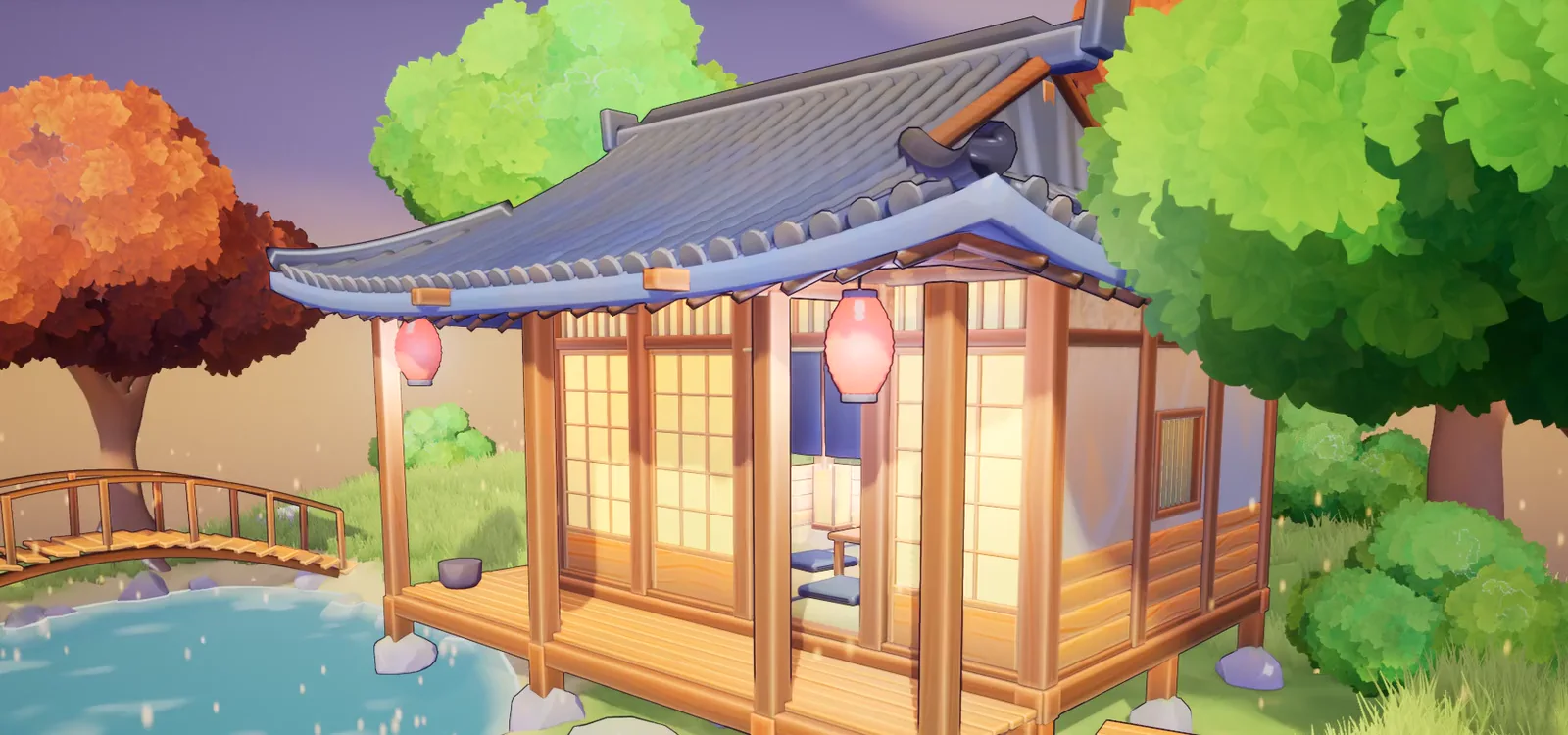
Toon and cel shader for Unreal Engine 5.8: 13 anime, comic and painterly styles
Toon shader for UE5: one actor, 13 toon, anime, comic & painterly post process styles. Mix any effect, set outline and shadow colors, save your own preset.
- Lite version free
- One actor
- 13 styles
- Outline and shadow colors
What it is
13 anime, comic and painterly post process styles - one actor, one dropdown.
Drop BP_ToonStudio into your level, pick a preset and your whole scene changes style: toon, anime, manga, comic, Ghibli, watercolor, oil paint, sumi-e, sketch, neon, Moebius and pixel. No material changes. No plugins. No C++.
Quick start
- Add the pack to your project from Fab. It lands in Content/ToonStudio.
- Drag BP_ToonStudio (Content/ToonStudio/Blueprints) into your level. The default look is 01 Toon.
- Select the actor, then Details > Toon Studio > Preset and choose a look from the dropdown.
In short
Custom Toon Shaders Studio by RafaSC is a post-process toon and cel shader pack for Unreal Engine 5.8: one actor with 13 looks (toon, anime, manga, comic, Ghibli, watercolor, oil paint, neon, Moebius, sumi-e, sketch, pixel and outline only). Effects can be mixed between looks and saved as new presets, and looks can be blended at runtime. It needs the deferred renderer, works only on UE 5.8 and is not for UEFN or the Path Tracer. Measured cost is 0.3 to 1.9 ms per preset on an RTX 3080 at 1080p. It is sold on Fab for $29.99; a free Lite version with 3 looks is also on Fab.
Guides for this material
What you get
- 13 presets that really look different, not 13 variations of the same cel shader.
- Fully modular: add any effect to any preset (paint strokes on Toon, halftone dots on Ghibli, hatching on Outline), from 0 to 2 strength.
- Outline Color and Shadow Color on every preset, live in the editor and in game.
- "Save Preset" turns your mix into a new preset that works in any level, Play, Sequencer and builds.
- Change look at runtime with Set Look (Index, Blend Time): flashbacks, dream sequences, photo mode, settings menu.
- Toon bands that follow your Directional Light (found automatically)
- Halftone dots and hatching with constant printed size: they never stretch on slopes
- Per-object highlight outlines through walls for gameplay (Custom Depth Stencil values 10-13)
- Works with Lumen, TSR, Nanite and Substrate. Renders the same in Movie Render Queue (one console variable, explained in the guide)
- Quick Start guide + 12-page illustrated PDF guide
Honest limits
- Deferred renderer required (the Unreal default). Forward rendering does not expose the G-Buffer to post process.
- Made for stylized and low-poly scenes. On photoreal assets the change is subtler.
- Movie Render Queue: add the console variable r.GeneralPurposeTweak2 = 3 in your job so the finished looks match the viewport.
- UE 5.8 only. Not for UEFN, not for the Path Tracer.
Frequently asked questions
Which Unreal Engine version does it support?
UE 5.8 only. Not for UEFN, not for the Path Tracer.
Which styles are included?
01 Toon · 02 Anime Soft · 03 Manga · 04 Comic · 05 Ghibli · 06 Watercolor · 07 Painted Brush (oil) · 08 Neon · 09 Moebius · 10 Sumi-e · 11 Sketch · 12 Pixel · 13 Outline (outline only, your art untouched).
How do I use it?
Add the pack to your project, drag BP_ToonStudio into your level, then Details > Toon Studio > Preset > pick a look. No Post Process Volume needed: the actor carries its own.
How expensive is it?
Measured on an RTX 3080 at 1920x1080: 0.3 - 1.9 ms per preset (Outline is the lightest; the painted looks are the heaviest). Quality 0 lowers the cost of the painted looks.
Is there a free version?
Yes: Toon Studio Lite (free, 3 presets) on Fab.
Does it work with Lumen, Nanite and Substrate?
Works with Lumen, TSR, Nanite and Substrate. Renders the same in Movie Render Queue (one console variable, explained in the guide).
More stylized materials
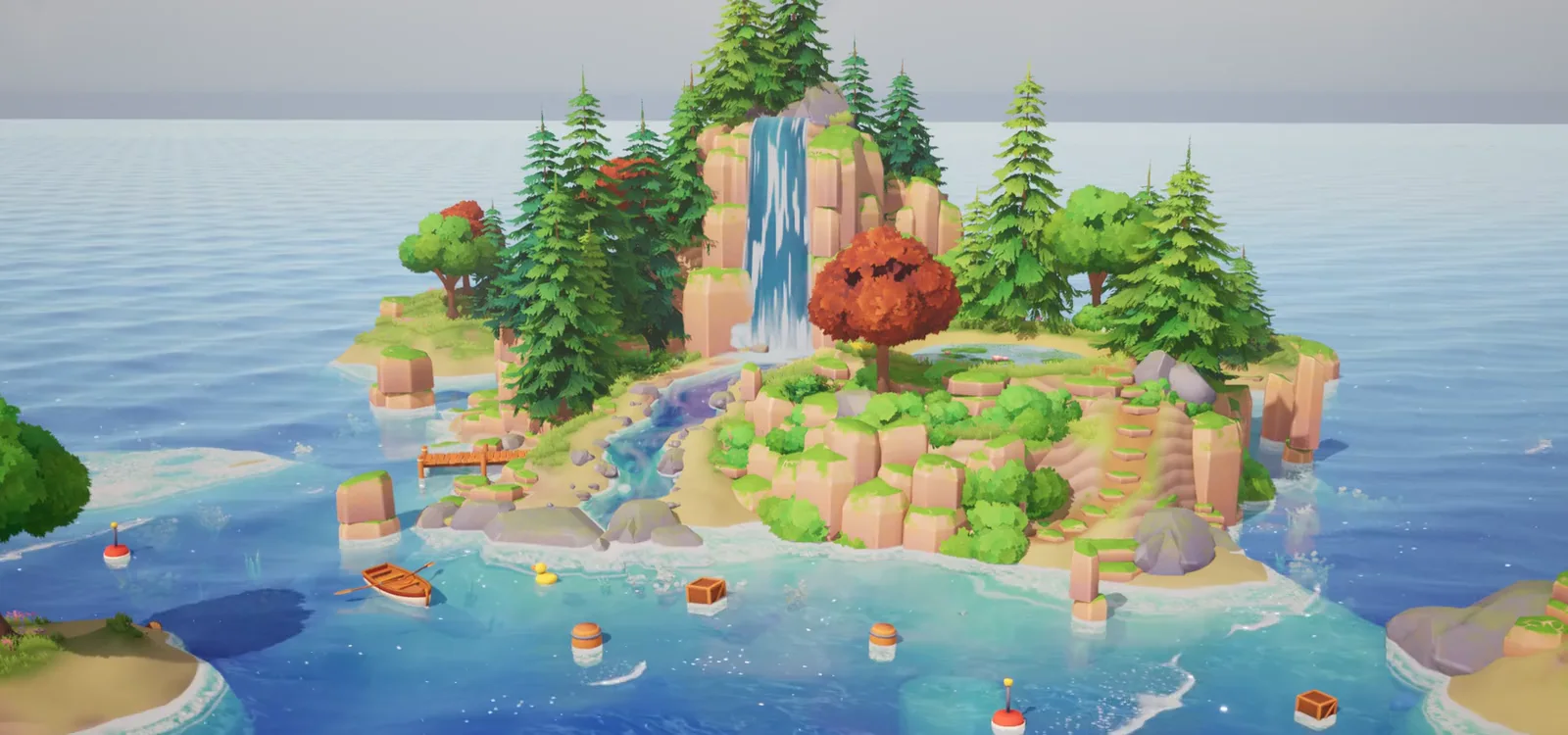 Stylized Water Material
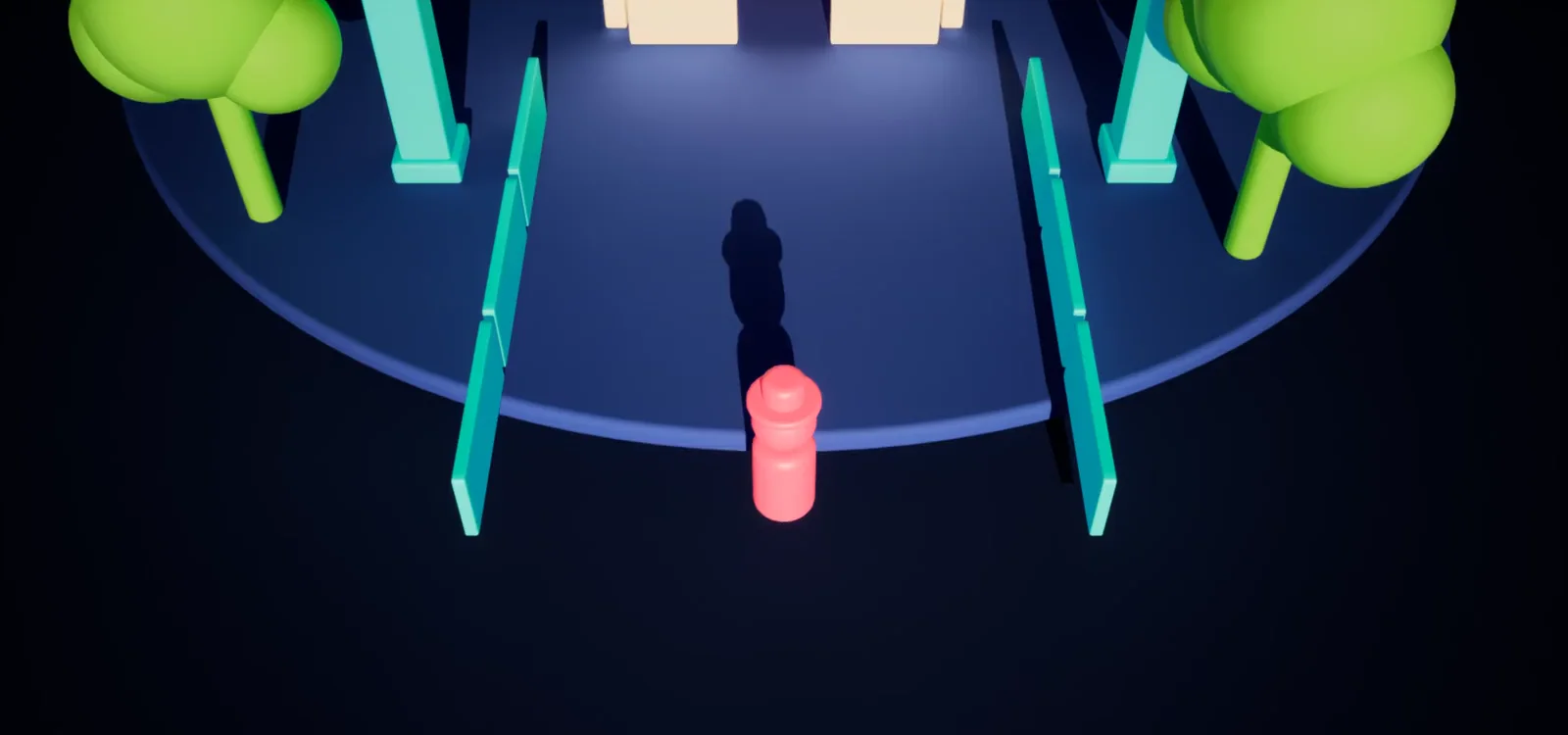 See-Through Occlusion
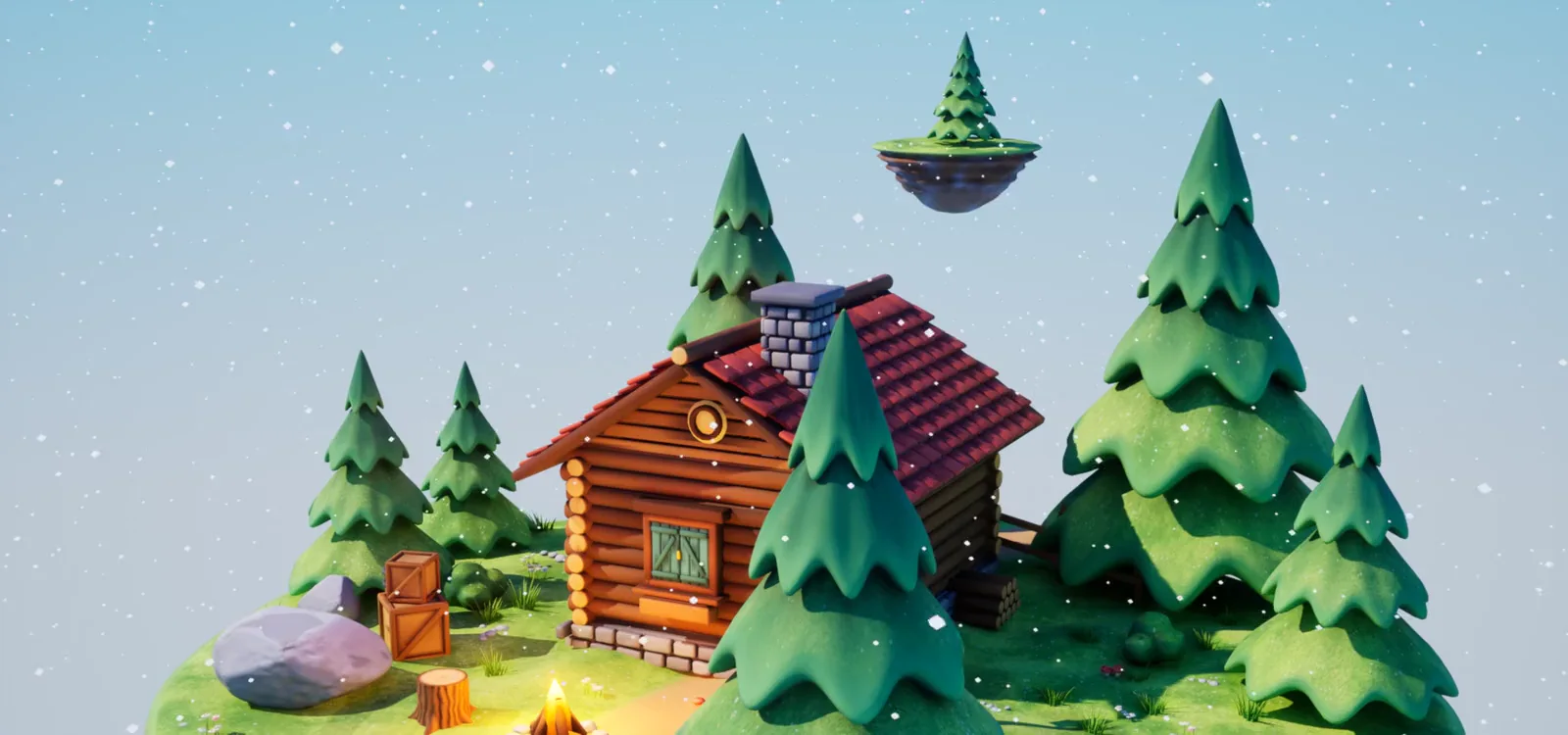 Stylized Snow & Moss Coverage
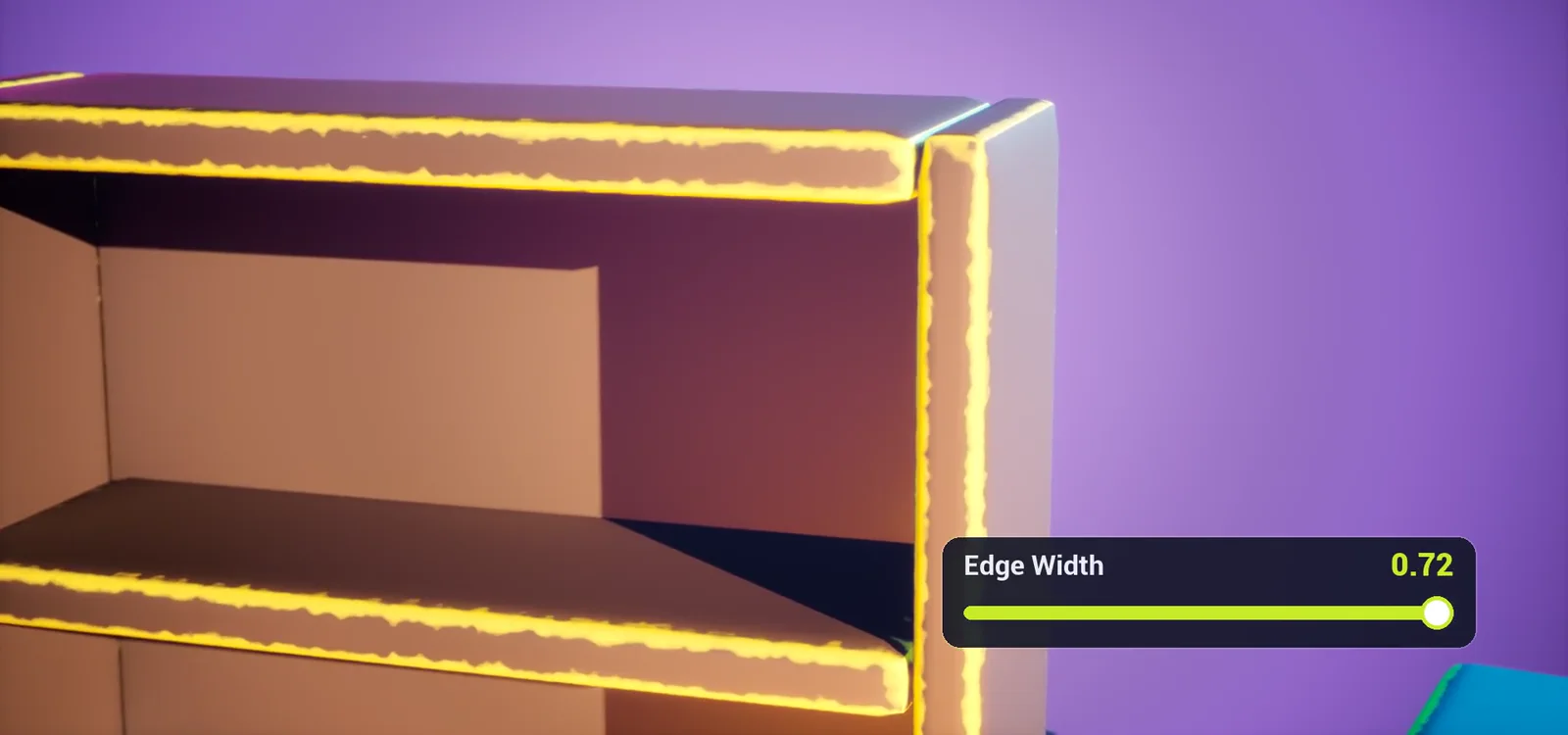 Painted Edges Shader
Need a prop or a whole world?
I model, paint and render stylized 3D for games.