 RafaSC
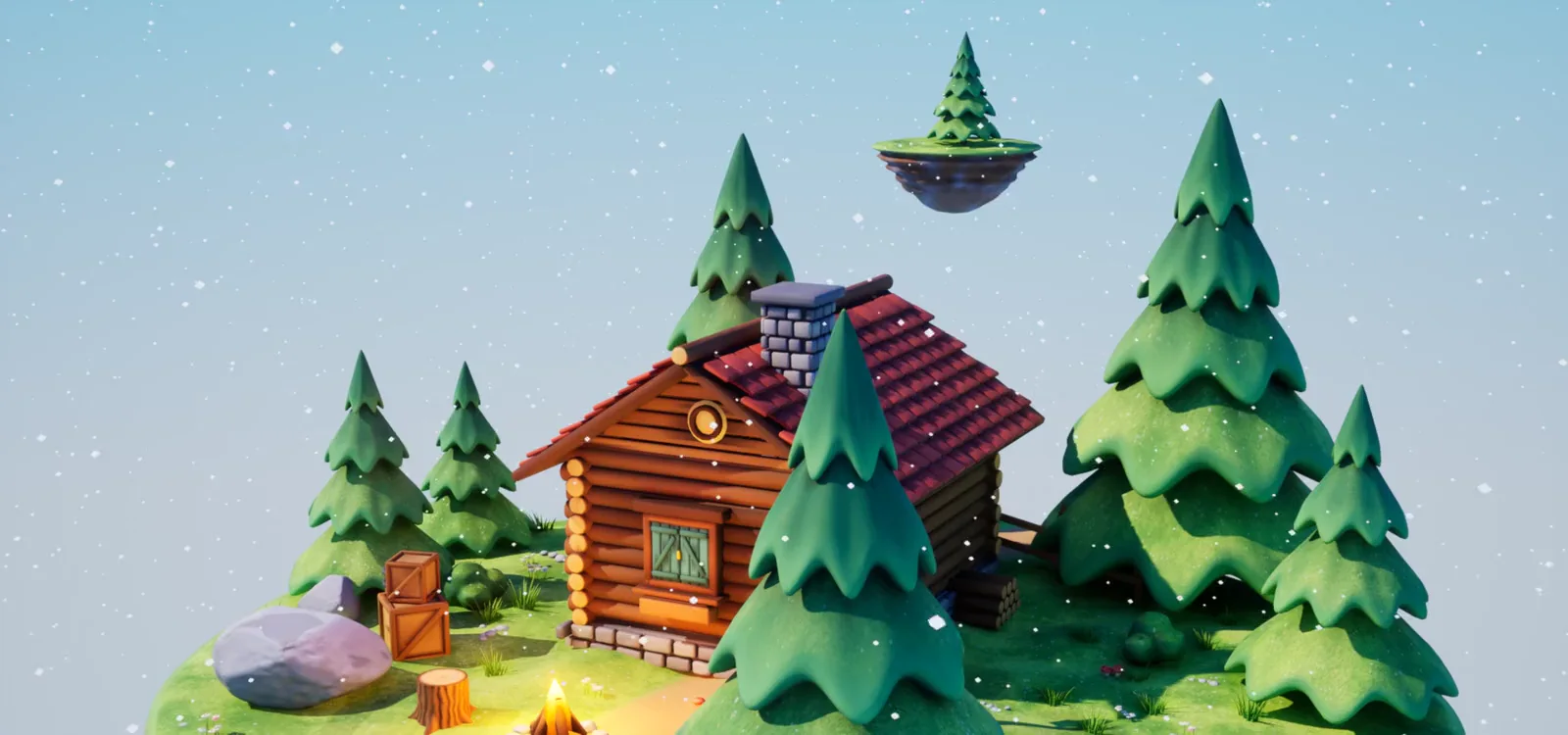
Stylized Snow and Moss Coverage material for Unreal Engine 5
Painted snow, moss, autumn leaves, sand and frost on top of any material - with real volume, runtime weather and melt zones that follow your actors.
- Real volume
- Runtime weather
- Melt zones follow your actors
What it is
Painted snow, moss, autumn leaves, sand and frost on top of ANY material.
One Material Function. Real volume. Runtime weather. Melt zones that follow your actors.
Plug your Base Color, Normal, Roughness and AO into MF_Coverage_Apply and connect the outputs. The coverage lands on every surface facing the sky with a hand-painted look - organic shapes, a rounded lip, a blue shadow band and brush strokes - settles into the details of your normal map, stands up with real thickness and leaves the ground under roofs clean. Drop BP_CoverageWeather in the level and winter arrives (or melts away) while you play.
Quick start
- Open your material, right-click in the graph, type Coverage and add MF_Coverage_Apply.
- Connect what you already had to its inputs: Base Color, Normal, Roughness and, if you have them, Metallic, Ambient Occlusion, Emissive and World Position Offset.
- Connect its outputs with the same names to the material pins. Connect World Position Offset too for real thickness.
- Save and create a Material Instance: all settings appear under Coverage 0 to 6.
In short
Stylized Snow & Moss Coverage by RafaSC is a Material Function for Unreal Engine 5 that paints snow, moss, autumn leaves, sand, frost and other layers on top of any material, on every surface facing a chosen direction. It adds real thickness with World Position Offset, keeps the ground under roofs clean using Mesh Distance Fields, and includes Blueprints for runtime weather and melt zones. It has 12 presets, was tested on UE 5.5 and 5.8, and is not for the Path Tracer or UEFN. It is sold on Fab for $14.99.
Guides for this material
What you get
- Drop-in: MF_Coverage_Apply goes between your inputs and the material outputs
- Real volume: Thickness lifts the geometry (World Position Offset)
- Painted look: organic breakup, rounded lip, shadow band, pits, tone blotches, brush strokes
- 5 surface patterns: snow lumps, moss clumps, sand ripples, frost crystals, dust grain
- Shelter: under roofs, eaves and tables stays clean (Mesh Distance Fields)
- Runtime weather: BP_CoverageWeather animates the whole level over Transition Seconds
- Melt zones: BP_CoverageClearZone clears a radius around any actor - with the same painted edge
- Works on moving objects (world space), Nanite, instanced meshes and Landscape
- High / Low quality switch (Low: 1218 pixel-shader instructions instead of 1708)
- 12 presets: Snow, Toon Snow, Moss, Autumn Leaves, Blossom, Frost, Sand, Dust, Ash, Mud, Slime, Corruption
Requirements
- Shelter uses Mesh Distance Fields (on by default in UE5). Without them everything works except the shelter.
- Thickness moves vertices: it needs enough vertices and smooth normals. Presets ship with Thickness 0 so they are safe on any mesh.
- Not for the Path Tracer or UEFN (Custom HLSL nodes). Mobile not tested.
- Tested on Windows, DX12 SM6, Nanite + Lumen + Virtual Shadow Maps: UE 5.5 and UE 5.8 (also with Substrate), and on a World Partition Landscape.
Frequently asked questions
Does it work with my existing materials?
Yes. Add one node between your inputs and the outputs. Material Attributes: MF_Coverage_Layer.
Can the snow change while I play?
Yes. Put BP_CoverageWeather in the level and set Coverage Amount (it moves there over Transition Seconds). Or set "Global Amount" in MPC_Coverage yourself.
Can snow melt around a campfire or the player?
Yes. Attach BP_CoverageClearZone to that actor and set Radius. Two zones can be active at once.
How does the shelter know there is a roof?
It samples the Global Distance Field above each pixel. No actors, tags or traces.
How expensive is it?
M_Coverage: 1708 pixel-shader instructions in High quality, 1218 in Low (an empty lit material is 164). Measured in a new UE 5.5 project, SM6. No tick in the material.
Nanite, Lumen, foliage?
Nanite, Lumen, VSM and Landscape are tested. The master is flagged for instanced/foliage, skeletal, spline and geometry collection meshes.
Commercial use?
Yes, under the Fab license you choose.
More stylized materials
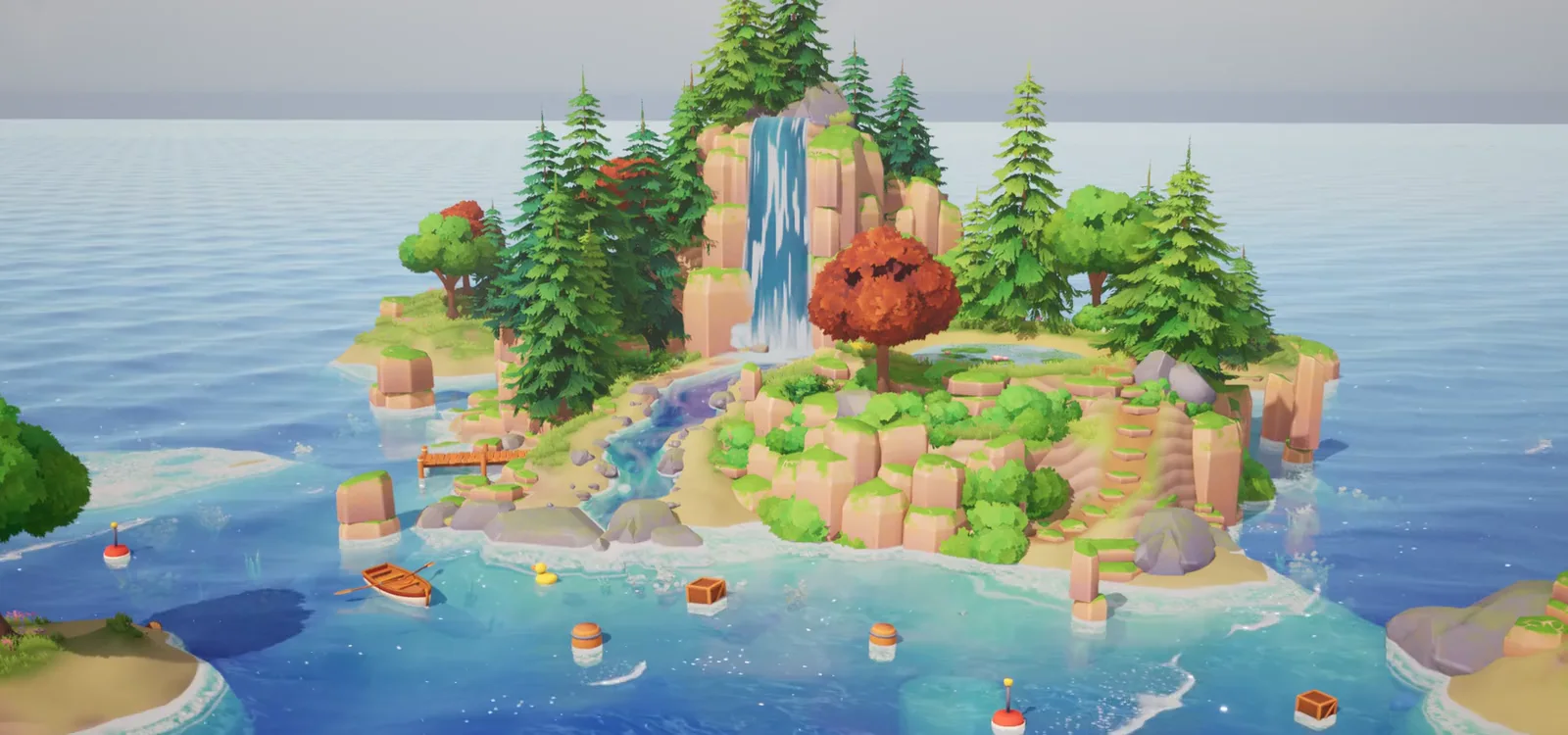 Stylized Water Material
 See-Through Occlusion
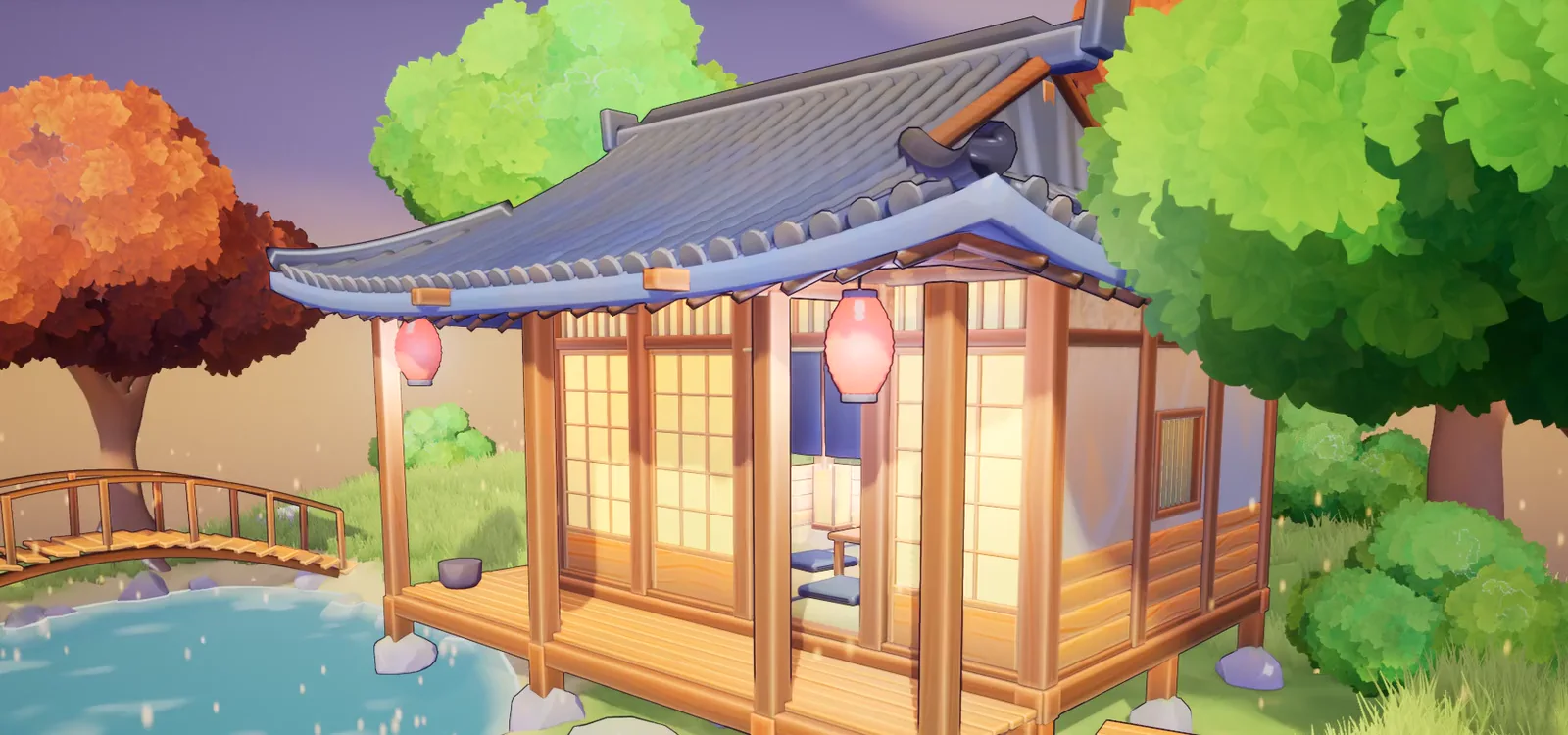 Custom Toon Shaders Studio
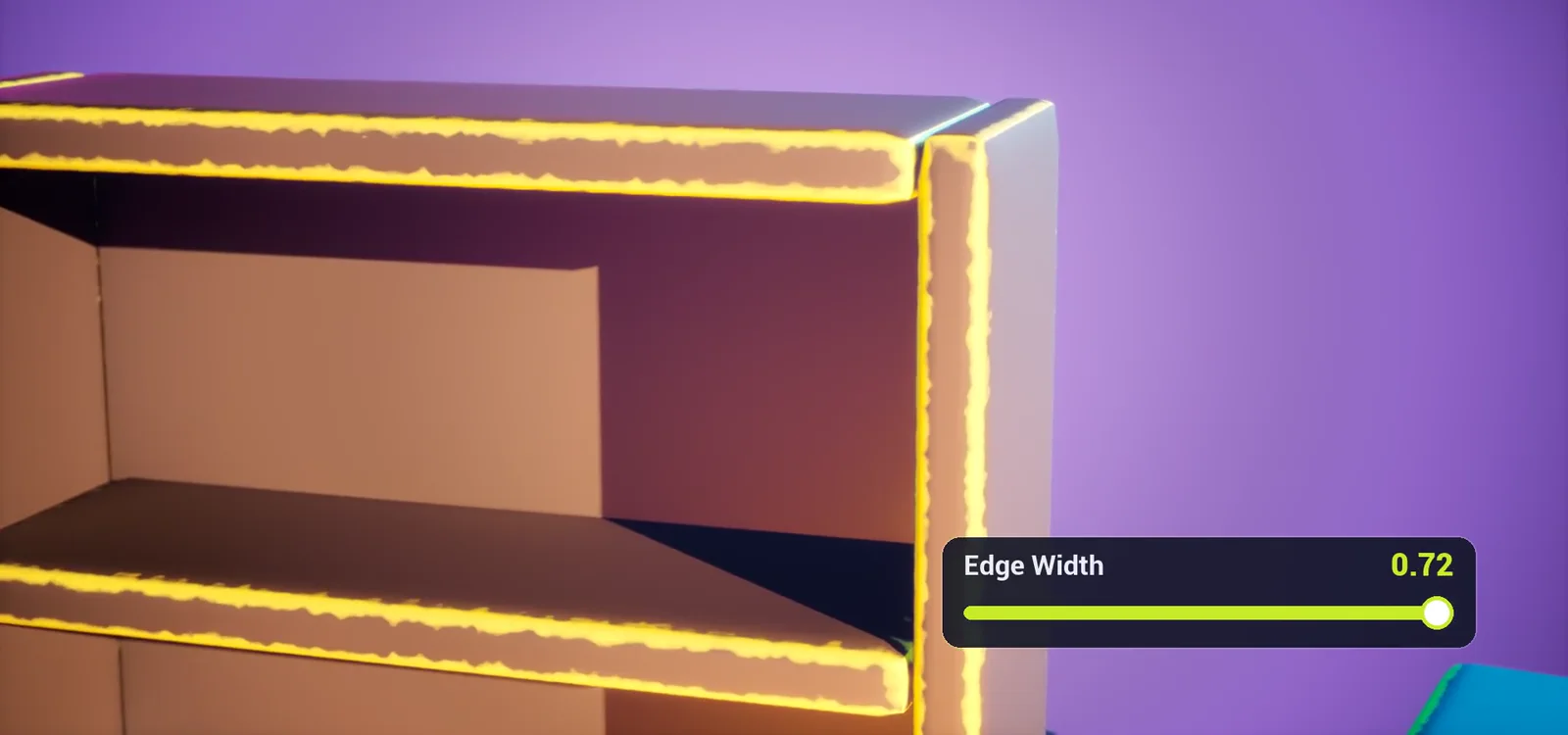 Painted Edges Shader
Need a prop or a whole world?
I model, paint and render stylized 3D for games.