 RafaSC
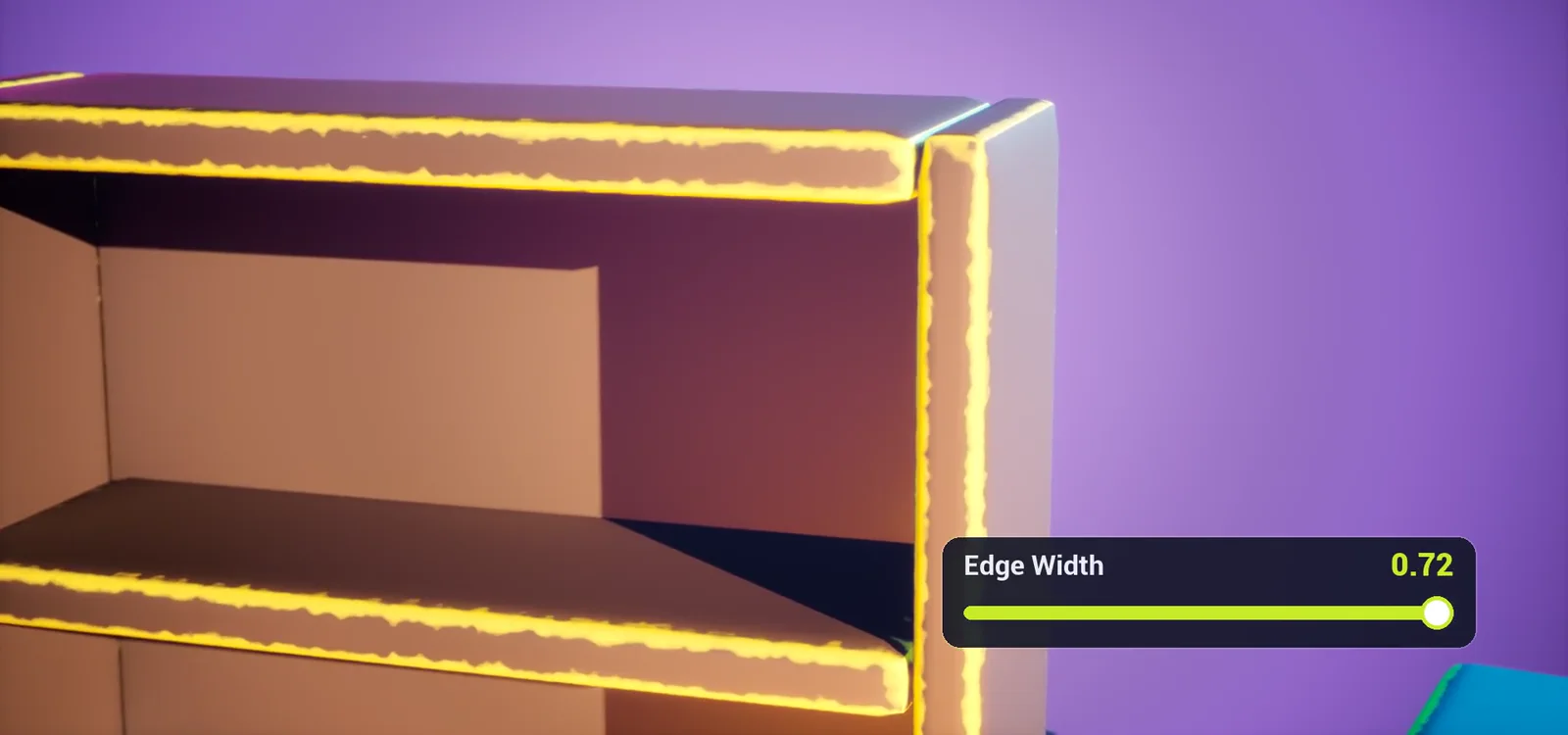
Painted Edges: a free stylized edge shader for Unreal Engine 5
Free stylized edge shader for UE5: hand-painted edges on any mesh as a drop-in Material Function. No UVs, no textures, no baking.
- Free
- No UVs
- No textures
- No baking
What it is
Painted Edges is a free stylized edge shader for Unreal Engine 5. It paints a hand-painted band along every edge of your mesh - filled in the centre, fading outwards, broken up by wear that never leaves gaps. No UVs, no textures, no baking.
It ships as a drop-in Material Function: plug your own texture or colour in, take it out with painted edges on top. Every setting lives inside the function, so it shows up in the Material Instance of any material you add it to.
Quick start
- Open your material, right-click in the graph and type Painted Edges.
- Add MF_PaintedEdges_Paint and connect your texture or colour to its Base Color input (and Roughness, optionally Emissive).
- Connect its Base Color, Roughness and Emissive outputs to the material result node and save.
- Create a Material Instance: all edge settings appear there, grouped.
In short
Painted Edges Shader by RafaSC is a free Material Function for Unreal Engine 5 that paints a hand-painted band along the edges of a mesh without UVs, textures or baked curvature maps. It reads the mesh normal in object space, so it works on rotated and moving actors, and it needs bevelled or smooth-normal edges. Tested on UE 5.5 and 5.8; not compatible with the Path Tracer. It is free on Fab.
Guides for this material
What you get
- Drop-in: MF_PaintedEdges_Paint goes between your inputs and your outputs
- Material Attributes version (MF_PaintedEdges_Layer) for layered setups
- Filled edges: the centre of every edge is always painted
- Wear breaks up the width of the band, never the line itself
- Real-edge detection keeps flat and sloped faces clean
- Stable under TAA / TSR: no flickering 1-pixel lines
- Object-space: works on rotated and moving actors
- 13 artist-friendly parameters, grouped and documented
- 6 colour presets + 2 example materials + a demo map with 7 stations
Mesh requirements
- Edges need a bevel OR smooth normals. On hard, split-normal edges there is nothing to paint: the shader fades them out on purpose.
- Uniform actor scale gives the most accurate edge width.
- Not compatible with the Path Tracer (it uses screen-space derivatives).
Frequently asked questions
Why use this instead of painting the edges by hand?
No UV unwrapping and no baking. You change one slider instead of re-exporting a texture, and it works on every mesh in your project at once.
Does it work on my existing materials?
Yes, that is what MF_PaintedEdges_Paint is for.
Do I need to bevel my models?
A bevel or smooth normals, yes. One segment is enough.
Nanite and Lumen?
Yes. The demo map uses Nanite meshes, Lumen and Virtual Shadow Maps.
How expensive is it?
The full example material is about 350 pixel-shader instructions in UE 5.5 (SM6), standard lighting included. The effect uses no textures.
Commercial use?
Yes, under the Fab license.
More stylized materials
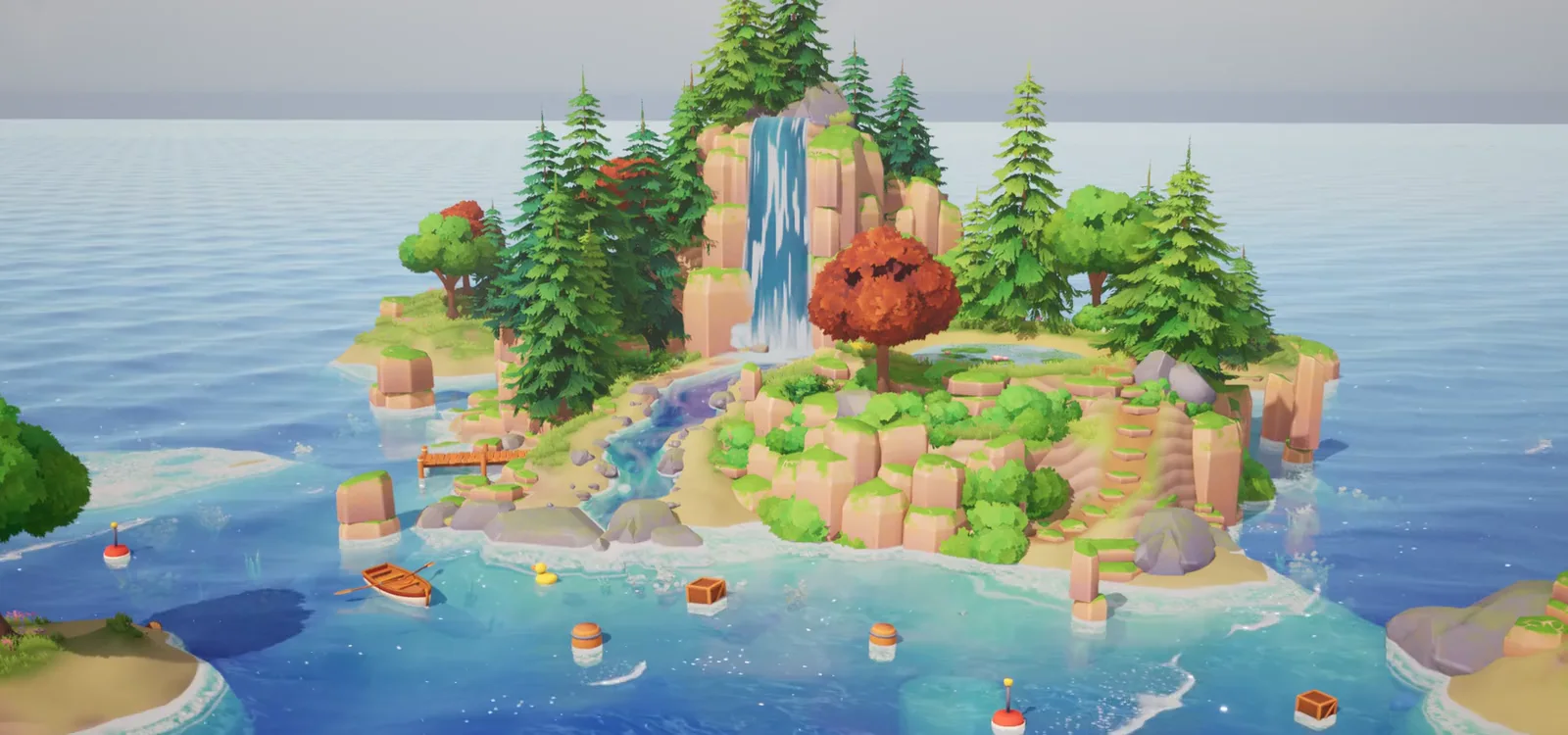 Stylized Water Material
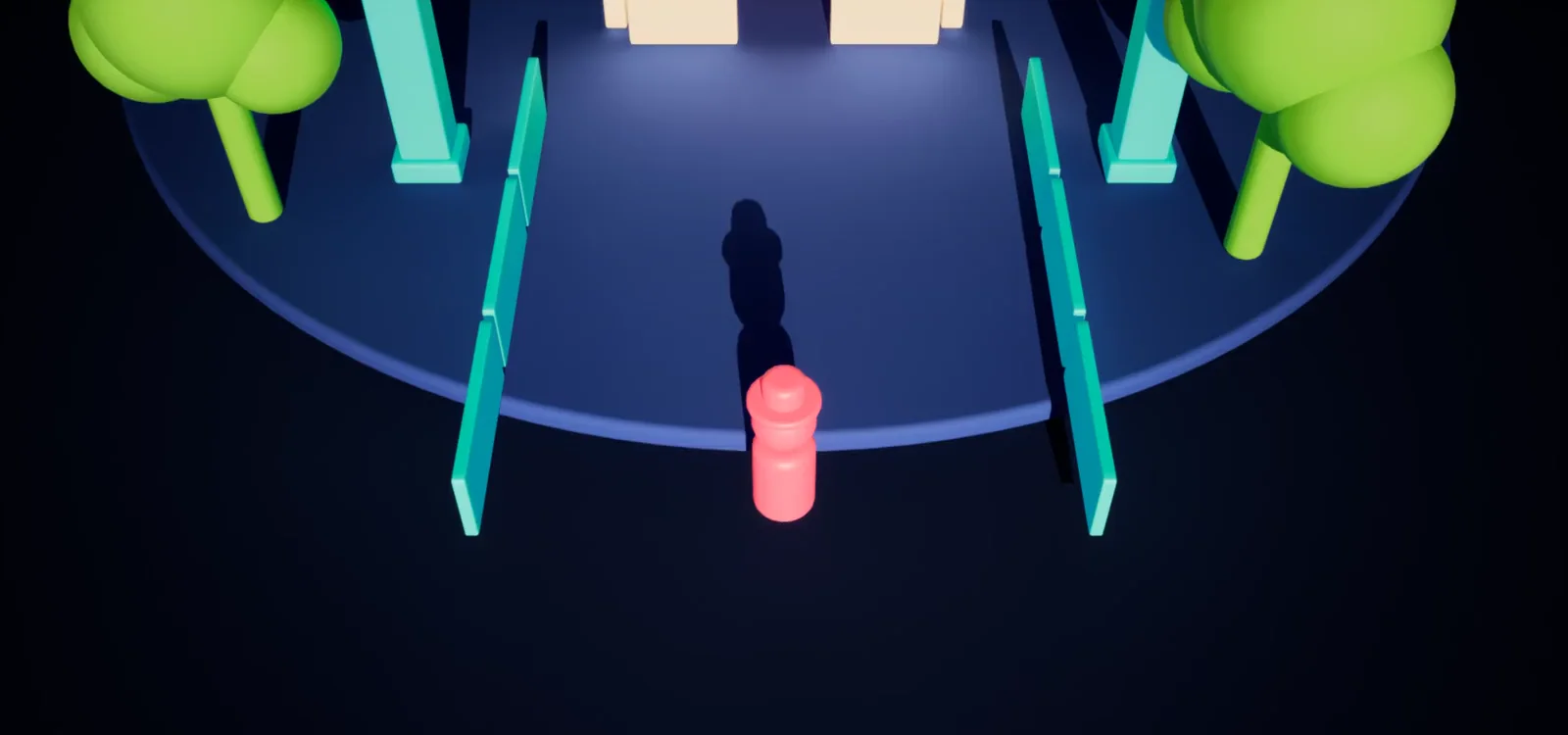 See-Through Occlusion
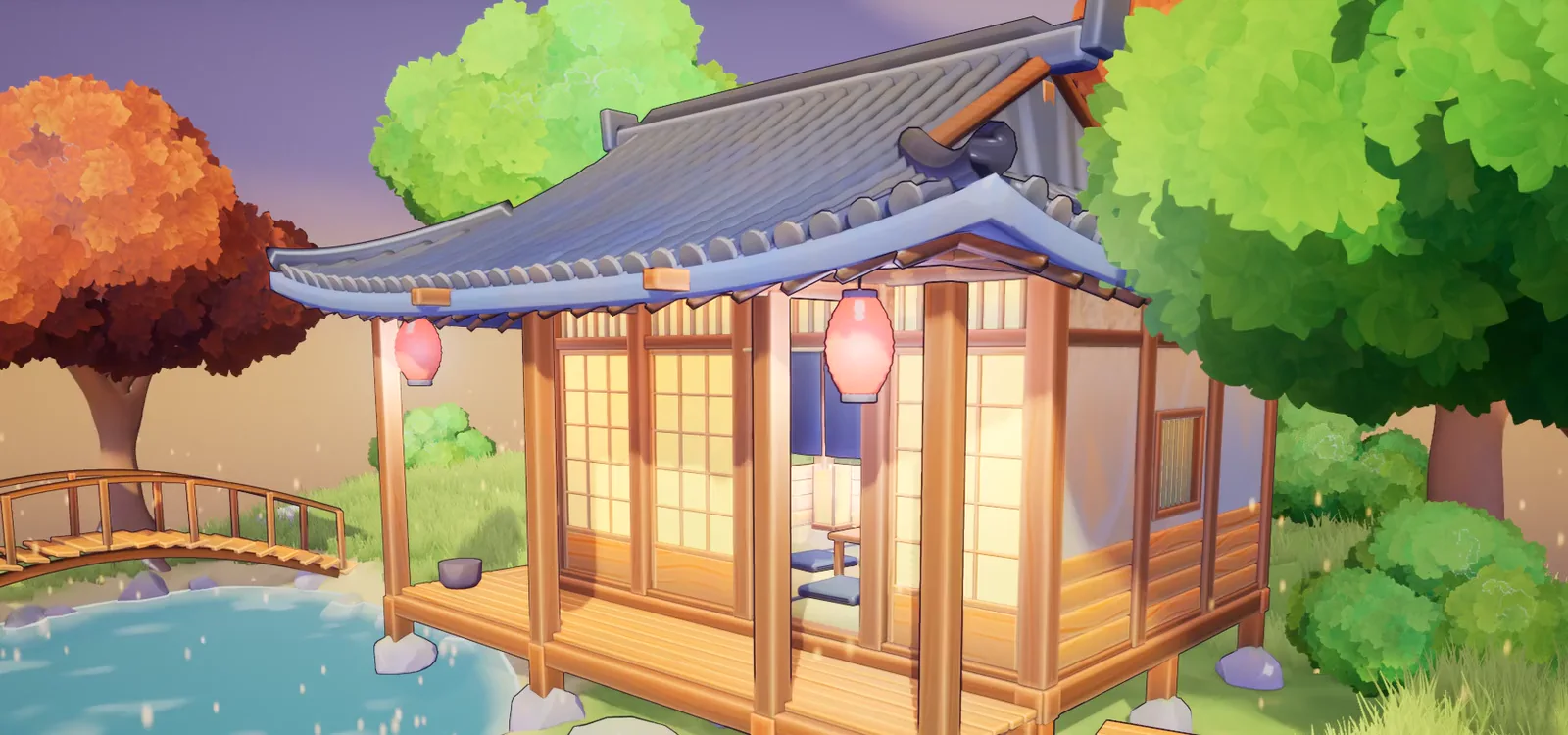 Custom Toon Shaders Studio
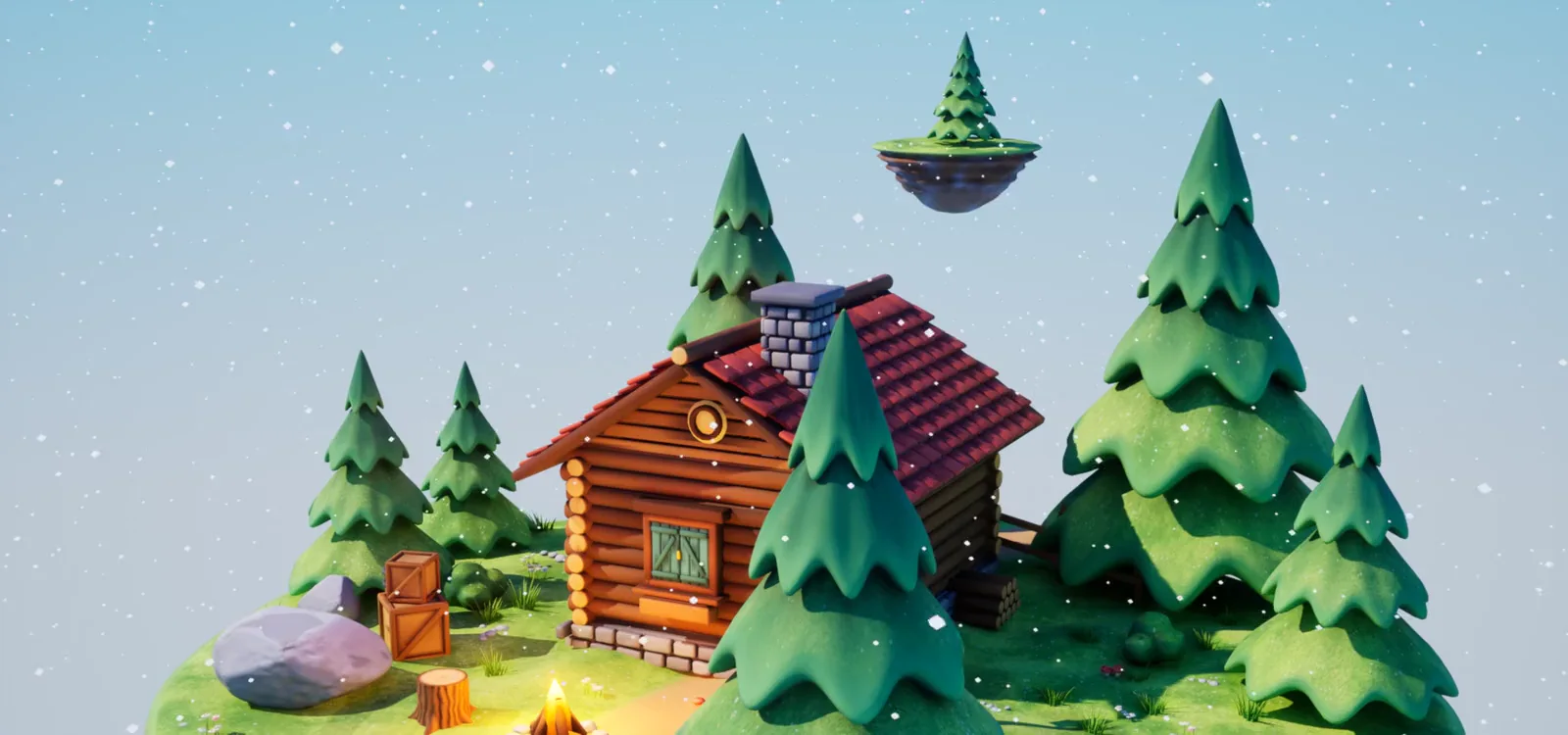 Stylized Snow & Moss Coverage
Need a prop or a whole world?
I model, paint and render stylized 3D for games.